Getting Started
- Head to the Notepad.
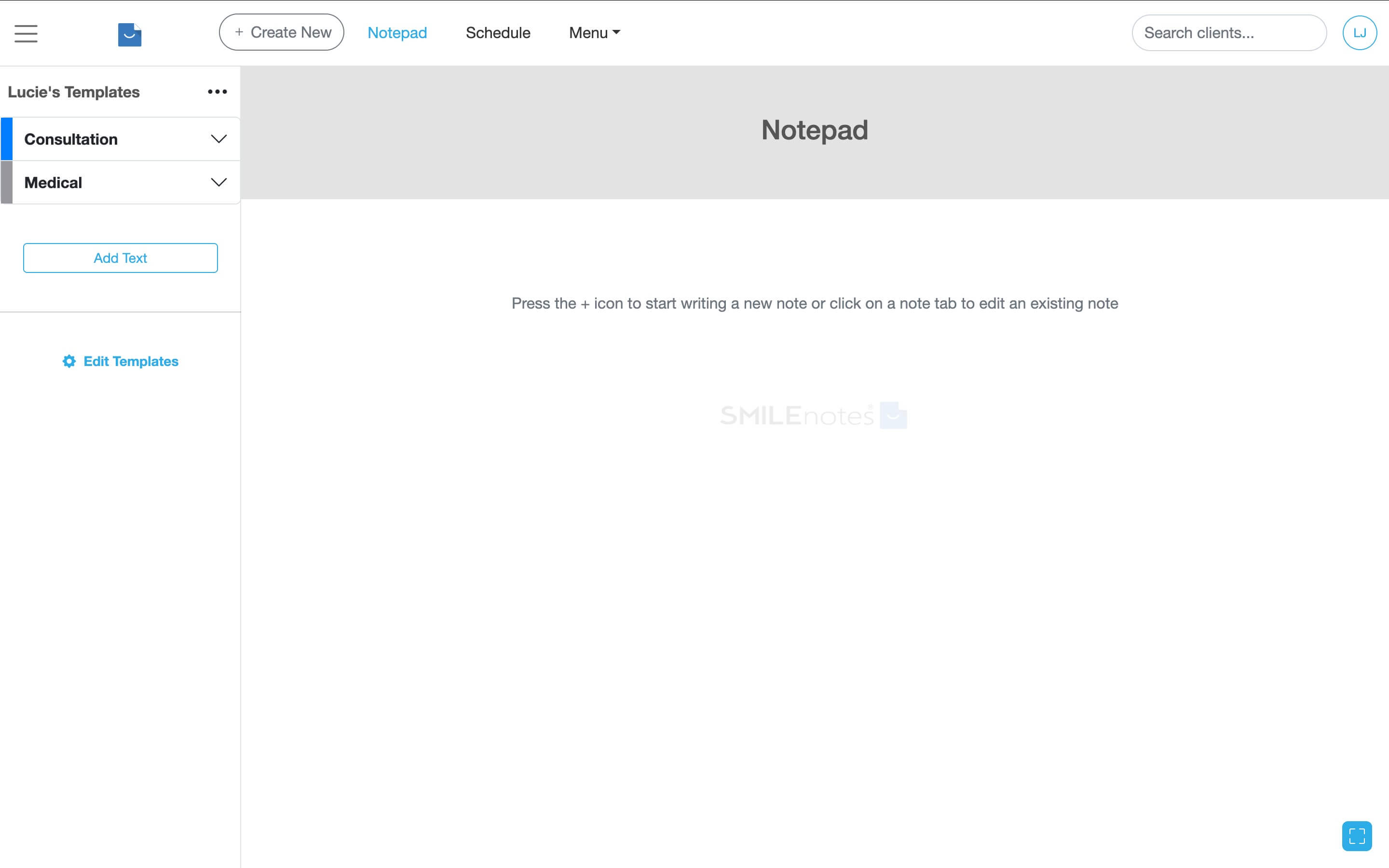
Use the Notepad to write up treatment notes. - Start typing the client’s name in the search field. Select the client to start a new note.
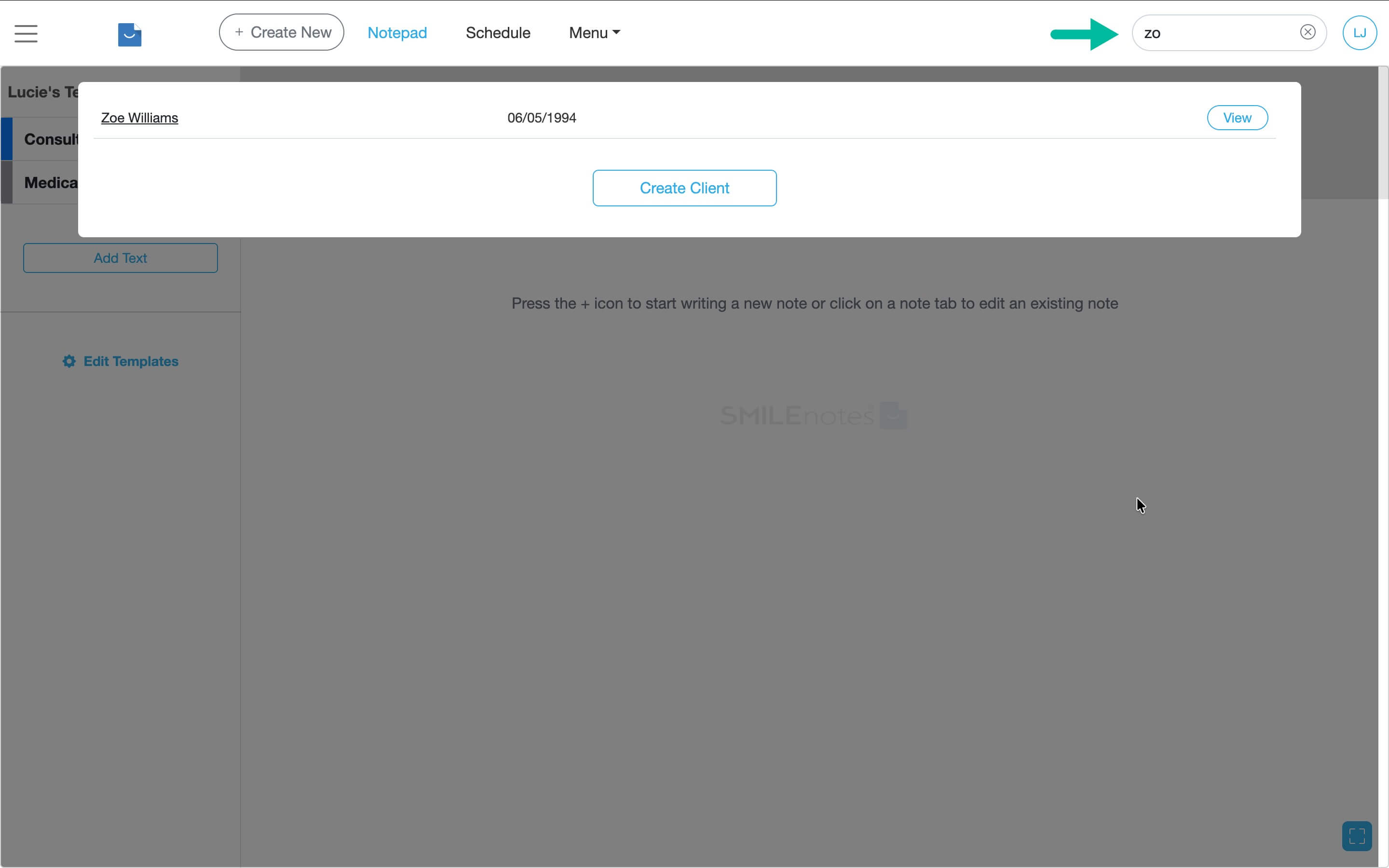
Search for the client and select them to link the note. - Once you've linked a client, the outline person icon turns solid/fills in. The date of birth and age of the client is shown on screen.
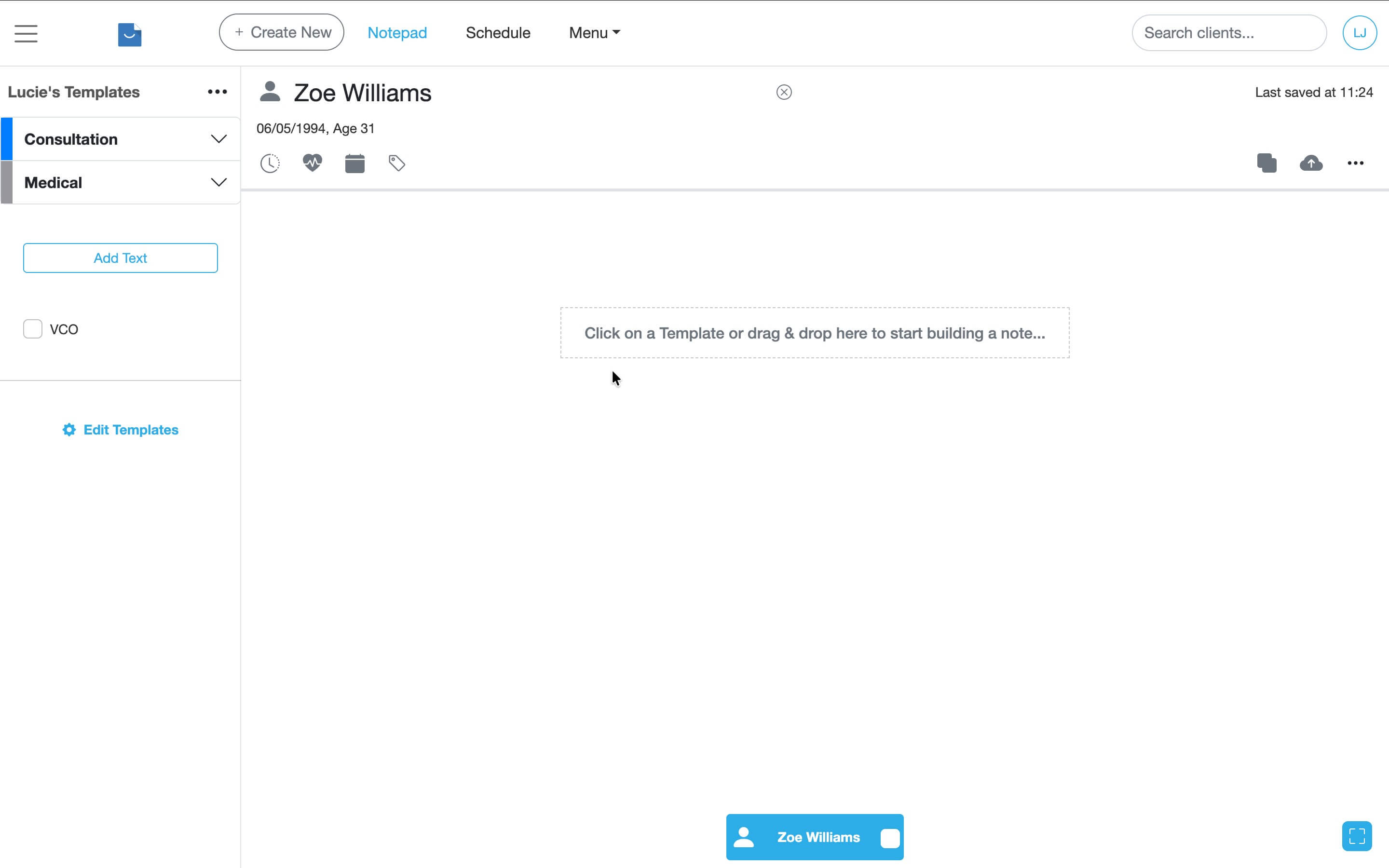
When linked, you’ll see key client details on screen.
Write the treatment note
- Select templates from the side menu to write notes.
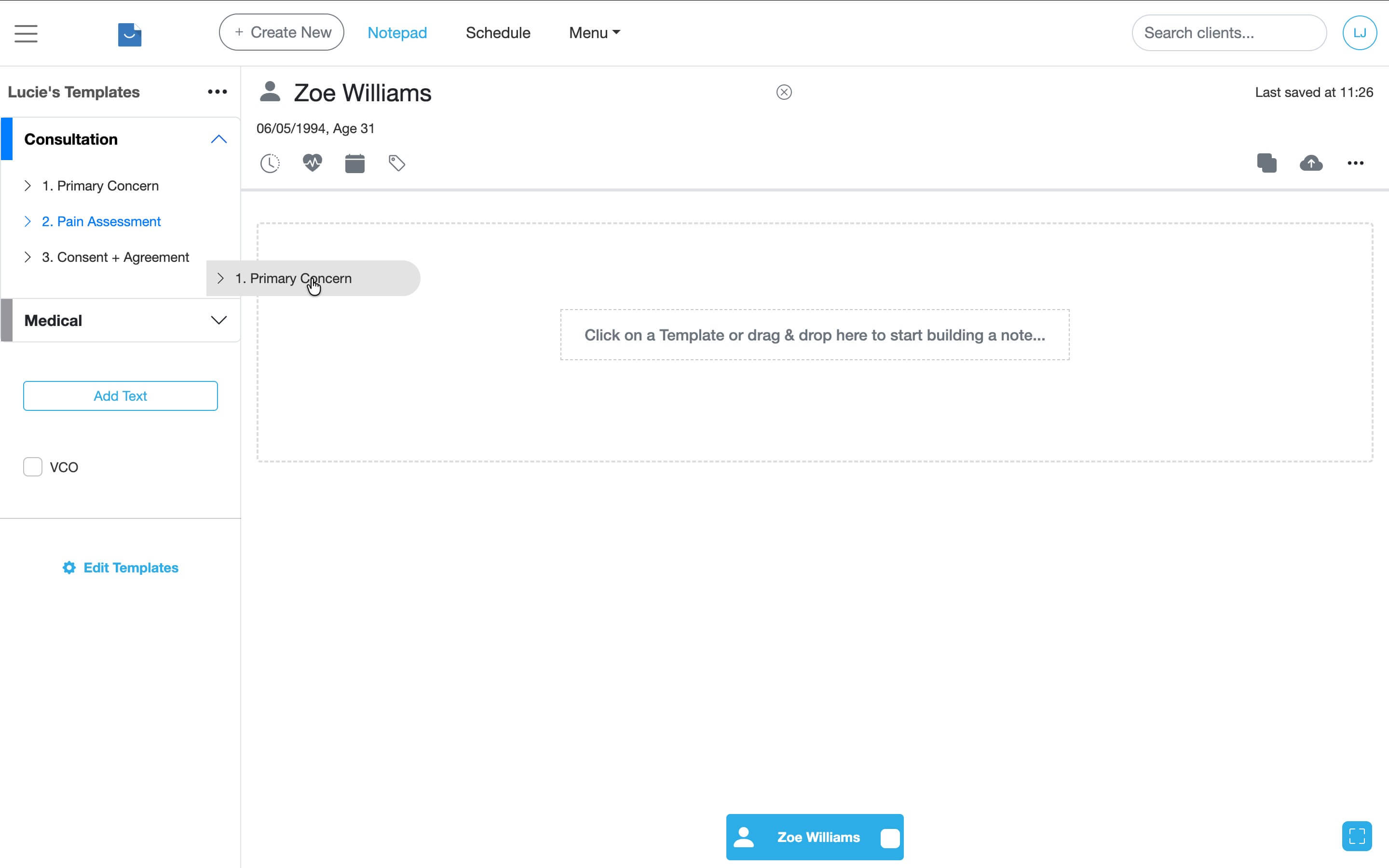
Choose a template from the sidebar to begin. - Customise the note by clicking interactive buttons or dropdowns. Click any section to add extra text.
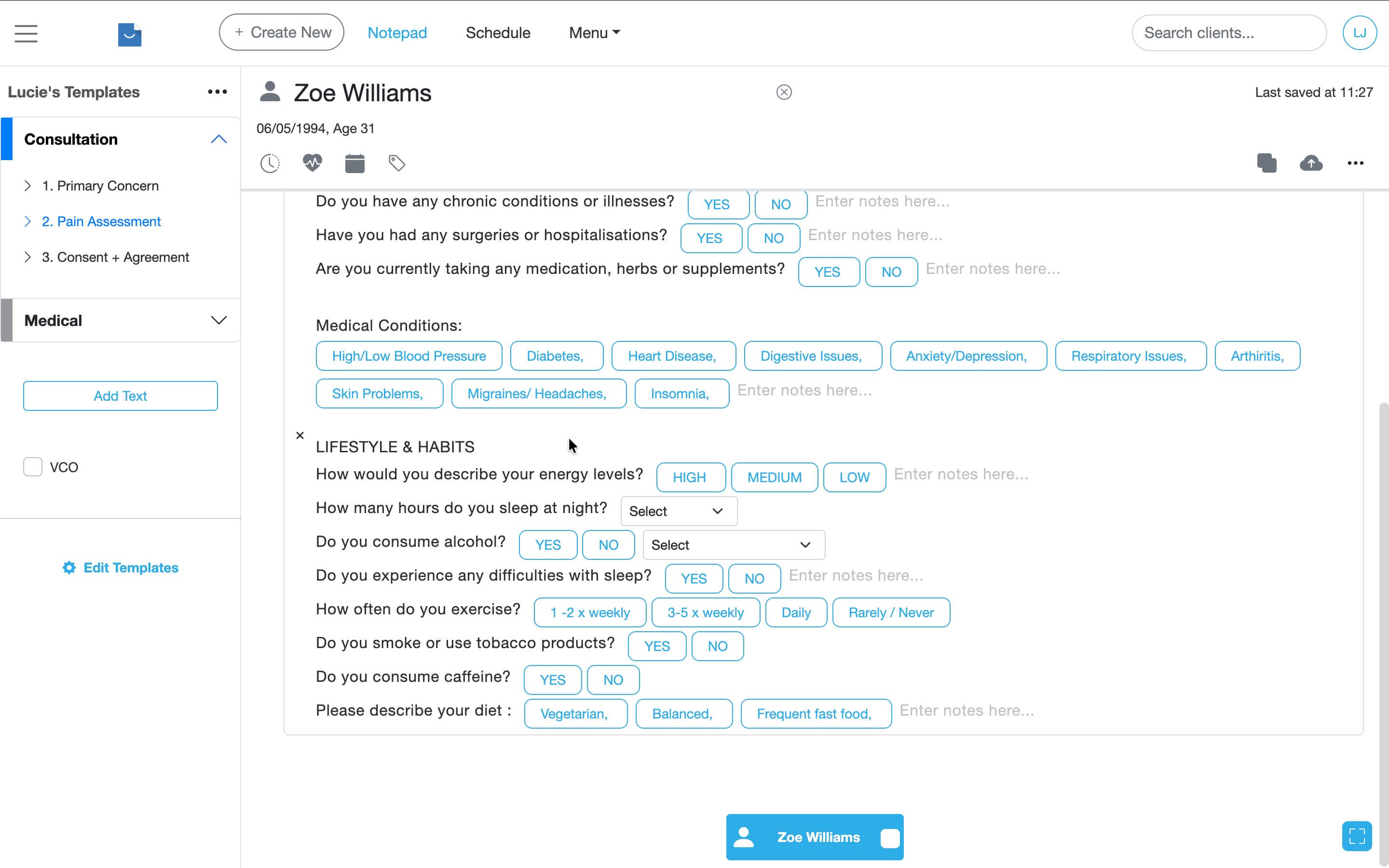
Use buttons and dropdowns to customise the note.
Mark your note as complete
Once you've finished writing your note you'll need to mark it as complete.
- Click the checkbox on the Note tab to mark the note as finished.
Related articles
Next steps if you’re managing drafts, archiving, or adding charts.
Updated: 11 February 2026