Update schedule settings
Who can change these settings? : Account Owners or Admin users can update schedule settings.
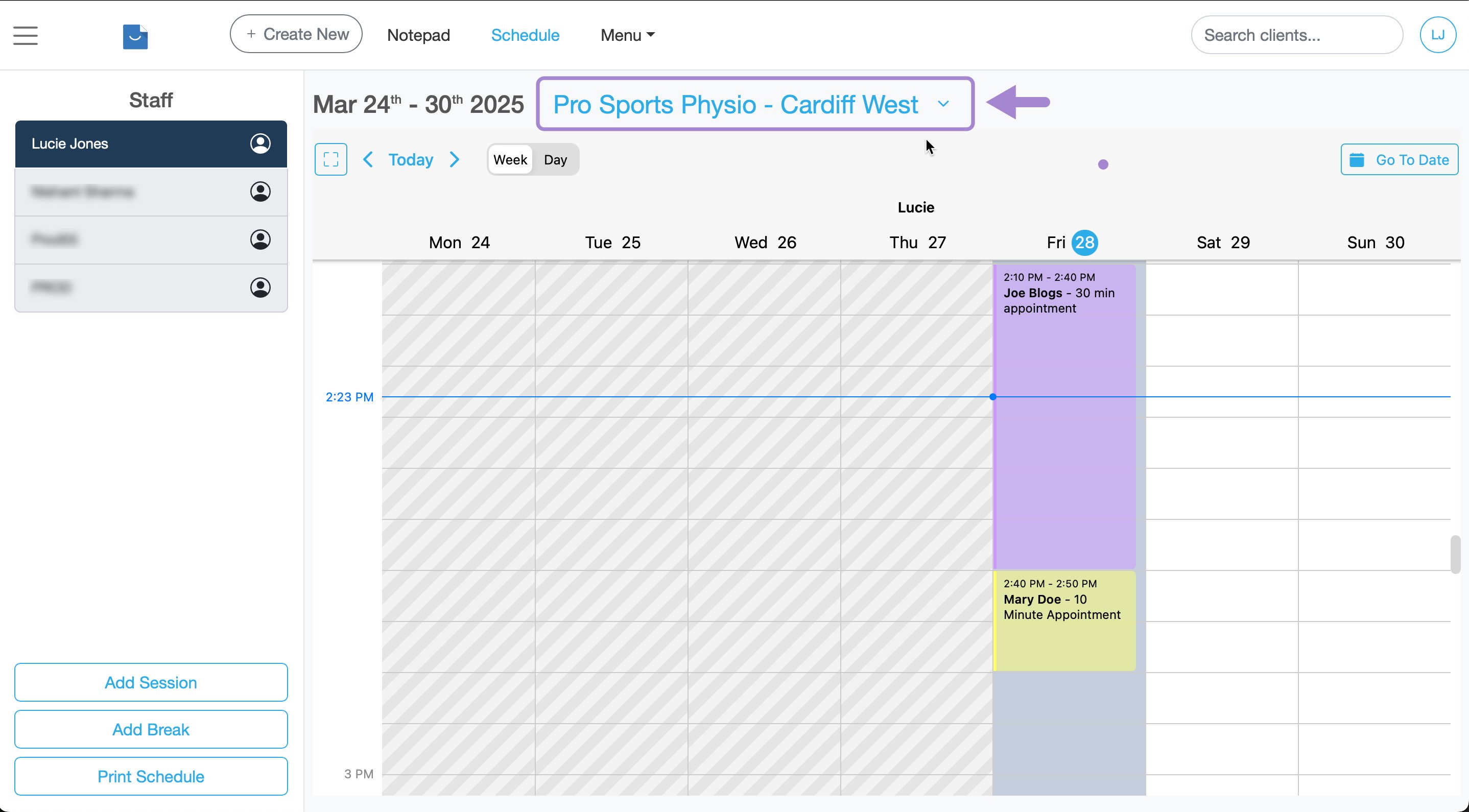
Firstly ensure the correct location name is selected. Use the dropdown menu on the schedule to change this if you have more than one location.
- Go to Settings
- Select Schedule from the side menu
- Click Schedule settings
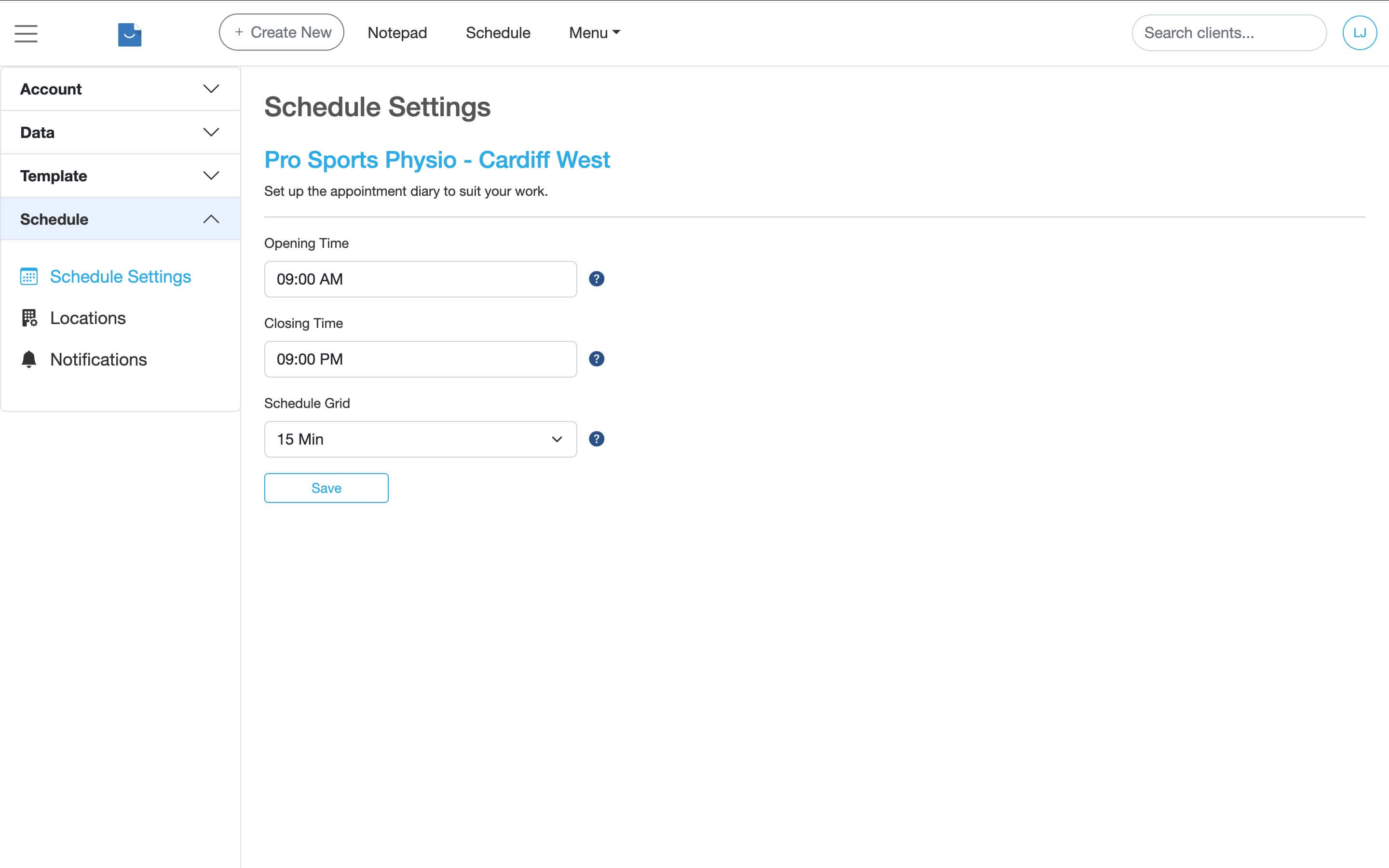
Schedule Grid
This setting changes the calendar increments which determines how the appointment calendar is divided into time slots.
For example, if you choose 15-minute increments, each hour in the calendar will be split into four 15-minute slots.
Opening Times
Opening times define the overall opening and closing hours for your practice. These times control the visible range of the appointment calendar.
- Set your preferred opening and closing times
- Click Save changes
- Log out of Smilenotes and log back in to ensure the updated opening hours appear in the appointment calendar
Working Hours (personal availability)
Working hours control your individual availability within the appointment calendar. These are separate from practice opening times and allow you to define when you are personally available for appointments.
Set up working hours (personal availability)Updated: 3 February 2026